The short answer: write one master resume that holds everything you have done. For each job, create a tailored version by ticking only the parts that fit, then export it. You never retype anything, and you update your master once instead of fixing every file.
Why separate files turn into a mess
Most people make a new resume by copying the last one and editing it. After a few applications, you have several near-identical files, and you can't remember which one went where or which one has your latest achievement.
Fixing a typo means fixing it in every copy, and it is easy to send the wrong version. The fix is to separate the two jobs a resume does: storing everything about your career, and showing the right slice of it to one employer.
Two approaches compared
| Folder of separate files | One master resume + tailored versions | |
|---|---|---|
| Where your content lives | Scattered across many files | One complete master, with versions built from it |
| Adding a new achievement | Edit every file by hand | Add it once to the master, then tick it where it fits |
| Risk of sending the wrong version | High, because file names get confusing | Lower, because every version comes from the same source |
| Time per application | Copy, paste and rewrite | Tick what fits and export |
How to create and manage multiple resumes in GetAResume
- Create your master resume once. Open GetAResume, click Get Started Free, and choose “Create your master resume.” Type in your details, or use “Upload resume and start” to fill the form from a PDF or DOC (see the guide to uploading your existing resume). Add every job, project, skill and award, then click Finish. The master resume guide explains what to include.
- Start a tailored resume for each job. From the home page choose “Create a tailored resume,” then “Use master resume.” Your master fills the form, with a live preview beside it.
- Tick what fits the job. Every bullet point and section item has a checkbox. Tick what fits the role and untick what does not. The tailoring guide shows how to decide. If you want a starting point, use Create for me: choose a reference resume, paste the job description, and review and edit the draft before you use it.
- Export to PDF. Click Export to PDF to download the version for that job. Give the file a clear name, such as FirstName-LastName-Role.pdf.
- Repeat for the next job. Go back to home page and start another tailored resume. Nothing needs retyping, because the master already has everything.
- Keep the master up to date. When you get a new project or result, add it to your master first. Every future version then starts from the latest content.
Tips and mistakes to avoid
- Keep the master complete. Do the trimming in each tailored resume, so your master always has everything for the next application.
- Make a version per role type, not per tiny tweak. Most people apply to two to four kinds of roles. Make a tailored resume for each, and a dedicated one for jobs you really want.
- Name your files clearly. Use a pattern like Role-Company-Month. “Resume (3).pdf” is how the wrong version gets sent.
- Check every AI draft. If you use Create for me, read every line and make sure each claim is true and in your own words.
- Stay honest. Tailoring means choosing which true things to show, not inventing new ones.
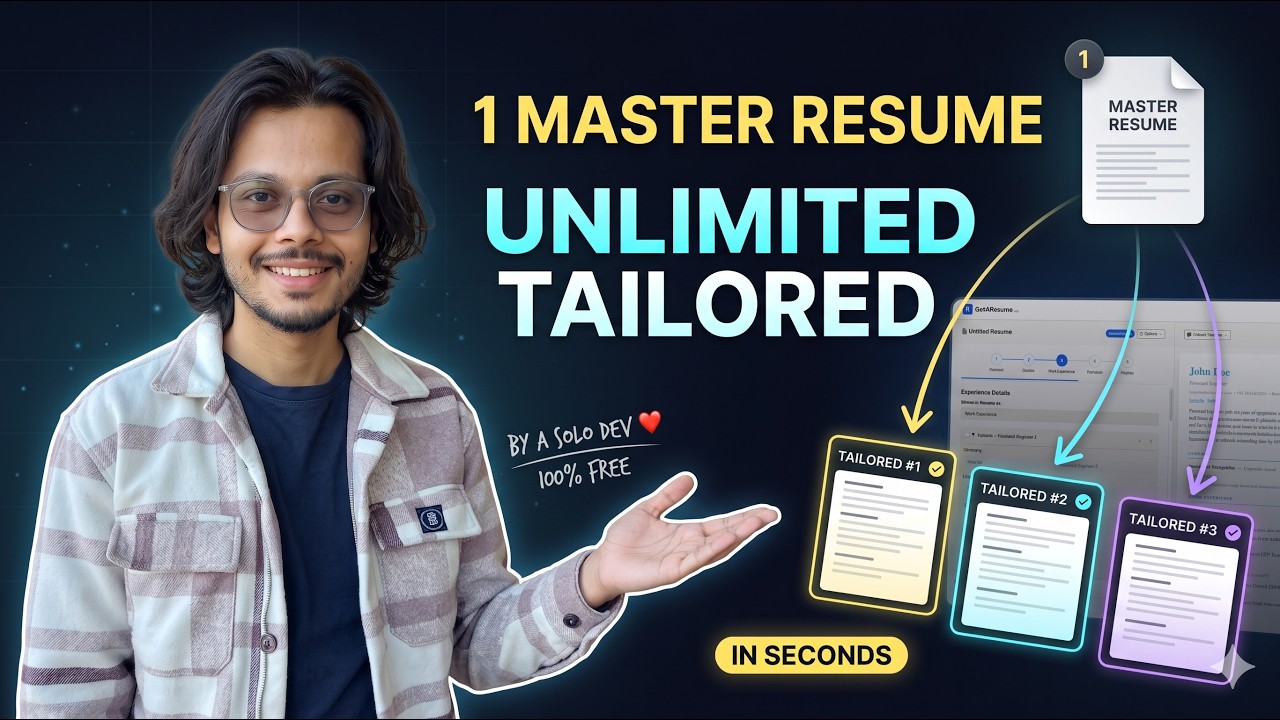
Watch: build a master resume and tailor it
Frequently asked questions
How many resumes should I have?
One master resume, plus a tailored version for each type of role you apply to. For high-priority jobs, make a dedicated version for that posting.
Is it okay to send a different resume to every employer?
Yes, as long as each one is accurate. Tailoring means choosing which true experience to highlight, not inventing anything.
What is the fastest way to create a resume for a new job?
Start from your master resume, then tick the bullets and sections that fit the job and export to PDF. You skip the retyping, which is where most of the time goes.
Do I need an account to manage multiple resumes?
You can build and export a resume without an account. Signing in is optional and lets you save to the cloud so you can come back to your resumes later.
Is GetAResume free?
Yes. It is fully free at the moment, with no watermark on the PDF. Some advanced features may be under paid subscription in future.