In short: read the posting, find the matching evidence in your experience, include the strongest matches, leave out what does not help, and check that the result fits on one page.
Why tailoring matters
A job posting tells you what the employer cares about. A resume that leads with matching experience makes it easy for the reader to see that you fit. One that makes them dig for it does not.
Tailoring is mostly a selection problem: out of everything you have done, which parts are most relevant to this role?
A six-step method
- Read the posting closely. Underline the responsibilities and required skills. Note which ones come up more than once, because those matter most.
- List your matching evidence. For each important requirement, find a job, project or achievement of yours that shows it. If you keep a master resume, this is a search through your own list.
- Pick the strongest matches. Include the jobs and bullet points that best prove those requirements, and put the most relevant ones first where you can.
- Leave out what does not help. A great achievement can still be wrong for this job. Hiding it from this resume does not remove it from your master.
- Use the posting's words where they are true. If the posting says “stakeholder management” and you did that work, say so in those terms. Never claim skills you do not have.
- Check length and proofread. For most roles, aim for one page. Read the final version once against the posting. GetAResume scales your content to fit one page automatically.
Example: tailoring for a Product Manager role
Say your master resume holds the items below and the posting is for a Product Manager. Here is how the choices might look.
The campus event role and the early retail job are real experience. They just do not help this application. For a customer-facing role, they might be the first things you tick.
Do it in GetAResume
- Build your master resume once. Add every job, project, skill and award. The master resume guide explains what to include.
- Start a tailored resume. From the home page choose “Create a tailored resume,” then “Use master resume.” Your master fills the form and the live preview updates as you edit.
- Tick and untick. Beside every bullet point and section item there is a checkbox. Tick what you want in this resume and untick the rest.
- Adjust the wording if needed. You can edit anything in the form for this one resume without touching your master.
- Export to PDF. Download the result. Sign in if you want to save each tailored version to the cloud and come back to it later.
Mistakes to avoid
- Inventing experience. Interviews and background checks tend to expose it. Tailor by selecting and emphasising, never by making things up.
- Pasting the whole posting. Using the employer's terms where they are true is fine. Pasting whole paragraphs reads as filler.
- Keeping many half-updated copies. Ten files with slightly different dates and titles are easy to mix up. Keep one master and create versions from it.
- Changing only the opening lines. New headline text over an unchanged body is easy to spot. Choose the evidence too.
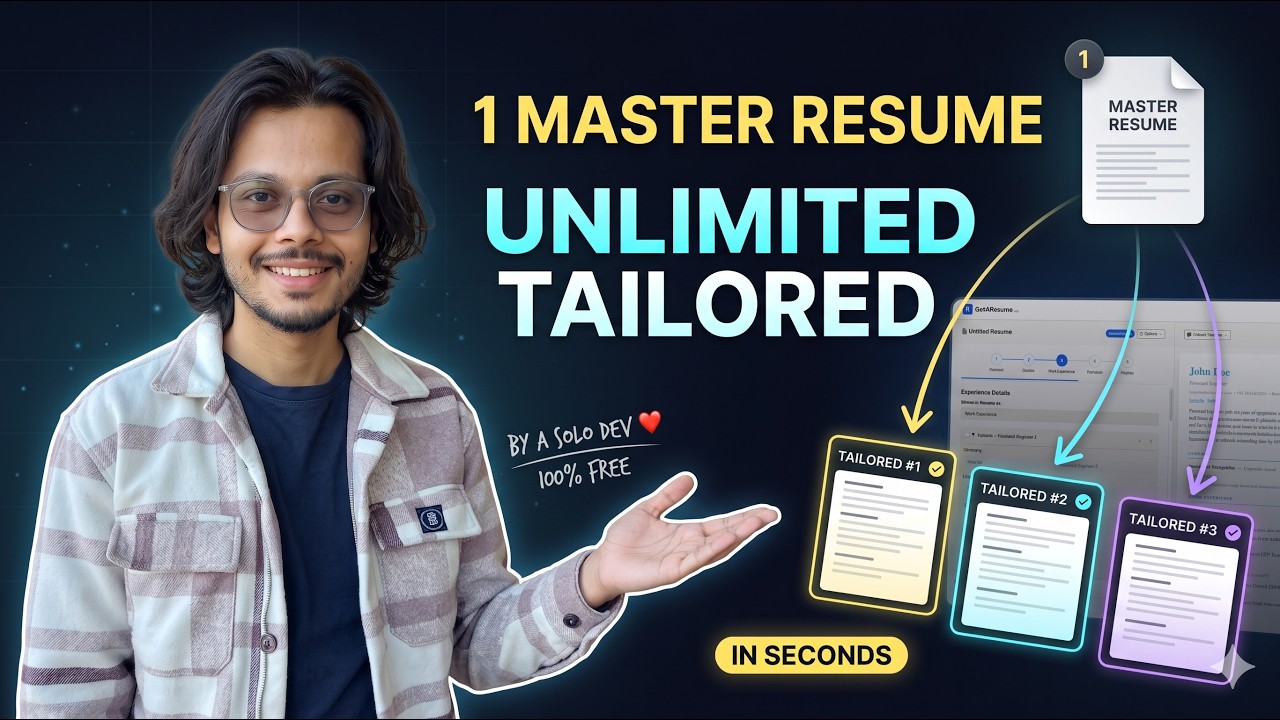
Watch: tailor a resume with checkboxes
Frequently asked questions
How much should I change for each application?
Change what you emphasise, not the facts. Titles, dates and employers stay the same. The selection and order of bullets and sections is what changes.
Do I need to tailor every single application?
It matters most for roles you really want and for postings that differ a lot from each other. A master resume makes it quick enough to do often.
How do I tailor without rewriting everything?
Keep everything in one master resume and choose what to include for each job. See what a master resume is.
Does tailoring help with applicant tracking systems (ATS)?
Using relevant terms from the posting, where they are true, helps both software and human readers. Clean, standard formatting makes your text easy to read for either. GetAResume's templates use simple, standard layouts.