The short answer: yes, a free resume builder with no watermark exists. GetAResume is free to use today, with a clean PDF export, no watermark and no credit card. Whichever tool you pick, test the download before you spend an hour typing.
Why I built this
I first made a simple version of this app for my own job search. The resume tools I tried each got something wrong. Some were expensive. Some had alignment problems. Some were not ATS-friendly, filled my resume with generic AI-written text, or exported a PDF with a watermark and text I could not even copy.
Then I hit a bigger problem: tweaking a resume for every job description was far too much work. So I added a master resume, where you keep everything in one place and tick only what fits each job. Later I added Create for me, which drafts a tailored resume from a job description that you then review and edit yourself. You can read the full story on the About page.
This guide comes from that experience. A resume is something you need on a deadline, and it should not come with surprises at the last step.
Why “free” resume builders charge at download
Some resume builders let you create a resume for free but only reveal the cost at the last step. The usual patterns are:
- A paywall at download. You can edit and preview, but downloading the PDF needs a paid plan.
- A watermark on the free file. The PDF downloads, but it carries the tool’s logo or branding, which makes it unusable for applications.
- A PDF you cannot copy text from. If the text cannot be selected, it may be an image, and applicant tracking systems may not be able to read it.
- A short free trial. The tool asks for a card up front, then charges after a few days.
- Limits on the free plan. For example, only one resume, or only some templates.
These plans are legal, and they are how many tools make money, but they are frustrating when the cost is hidden until you have already invested your time.
How to spot a truly free resume builder
Before you enter all your details, run through this quick check:
| Check | What to look for |
|---|---|
| Pricing page | Does it say what is free and what is paid, in plain words? |
| Test the export first | Fill in a few lines and try the download before building the whole resume. |
| Watermark | Open the downloaded PDF and check the corners and footer for logos or branding. |
| Credit card | A free tool should not ask for a card to export. |
| Account needed? | Check whether you must sign up before you can see or download your resume. |
| Text in the PDF | Select and copy some text from the PDF. If you can, applicant tracking systems can usually read it too. |
The test export is the most useful check. It takes a minute and tells you straight away whether the free plan is really free.
What is free in GetAResume
- PDF export with no watermark. The file you download is clean and ready to send.
- No credit card. You are not asked for one to build or export.
- No account needed to build and export a single resume. A free account is only needed to save a master resume and multiple resumes in the cloud.
- ATS-friendly templates. They use clean, standard formatting that applicant tracking systems can read.
- Auto-fit to one page, so your resume does not spill onto a second page by a few lines.
I want to be upfront: GetAResume is free to use today, and some templates may become paid options later. The watermark-free PDF export is part of what is free now.
How to make a no-watermark resume in GetAResume
- Open the editor. Go to GetAResume and click Get Started Free. You do not need an account to build and export a single resume.
- Add your details. Fill in each step by hand, or use “Upload resume and start” to fill the form from a PDF or DOC (see the guide to uploading your existing resume).
- Pick a template. Choose a template from the template menu. A live preview shows your resume as you type.
- Check the preview. Make sure everything fits on one page and reads well.
- Export. Click Export to PDF. You get a clean file with no watermark.
Tips for a clean, professional PDF
- Keep it to one page when you can, especially early in your career.
- Use a simple template. Clean layouts are easier for both people and ATS software to read.
- Name the file well. Use something like FirstName-LastName-Role.pdf, not “resume (3).pdf”.
- Proofread the PDF itself, not only the editor, before you send it.
- Applying to many jobs? Keep a master resume and tailor a version for each one. See the guide to managing multiple resumes quickly.
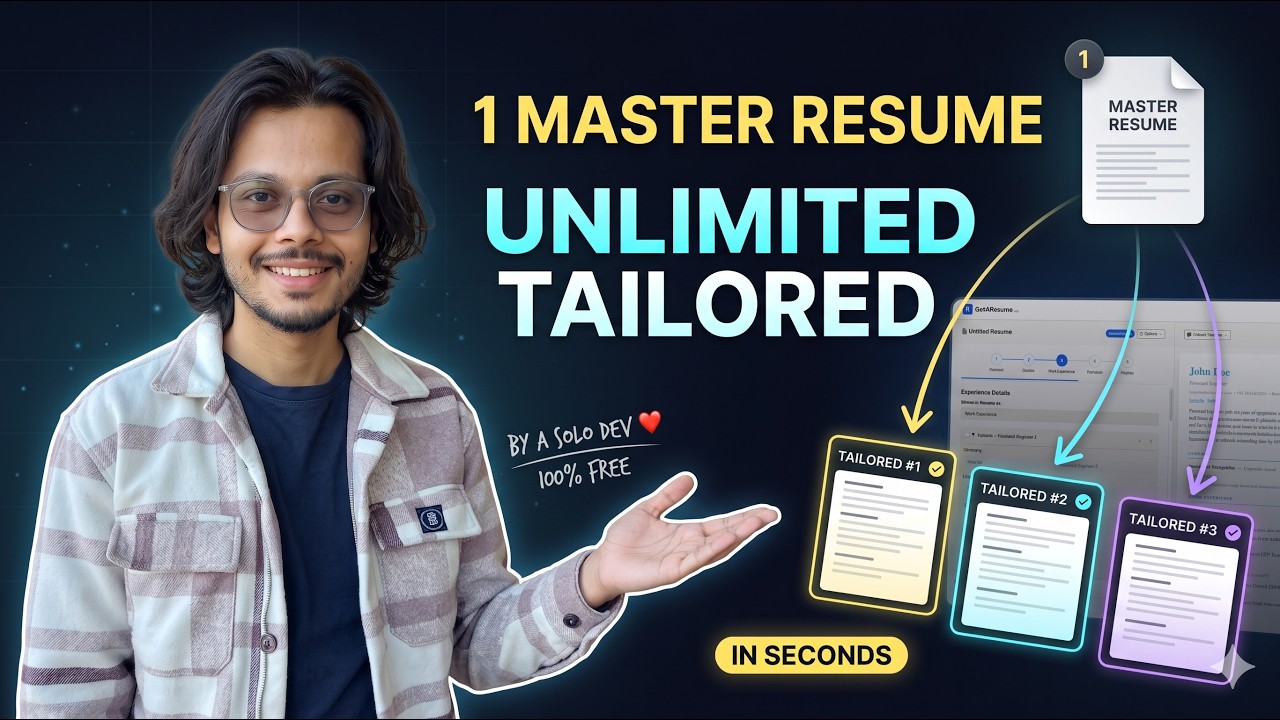
Watch: build and export a resume
Frequently asked questions
Is there really a free resume builder with no watermark?
Yes. GetAResume is free to use today and exports a clean PDF with no watermark and no credit card required.
Will I be asked to pay when I download my resume?
Not for the PDF export. It is free with no watermark. Some templates may become paid options later, and the site says so in advance.
Do I need to create an account?
No account is needed to build and export a single resume. A free account is only needed to save a master resume and multiple resumes in the cloud.
How can I check that a PDF has no watermark?
Open the downloaded file and look at the corners, header and footer for logos or branding text. Do this with a short test resume before you invest time in a full one.
Is the PDF ATS-friendly?
GetAResume templates use clean, standard formatting so applicant tracking systems can read your text. You can also select and copy text from the PDF to check that it is real text and not an image.
Who makes GetAResume?
I am Saikat, a solo developer. I built GetAResume for my own job search after trying resume tools that were expensive, badly aligned, not ATS-friendly, or added watermarks. If something confuses you or is missing, send me feedback, because it directly decides what I build next.