The short answer: a master resume is your complete career record in one place. A tailored resume is the short version you pull from it for a specific job. You write the long version once and reuse it every time.
Master resume vs. tailored resume
The two documents do different jobs, which is why it helps to keep them separate.
| Master resume | Tailored resume | |
|---|---|---|
| Purpose | Your complete career record | One application to one job |
| Who sees it | Only you | The employer |
| Length | As long as it needs to be | Short and focused (GetAResume fits it to one page) |
| Content | Everything, including details you would normally cut | Only what is relevant to that job |
| When you edit it | After every new job, project or achievement | Each time you apply |
What to include in a master resume
Think of it as an archive of everything that could matter to an employer:
- Every job: title, company, dates, and all the bullet points you have ever written, even the ones you would usually trim.
- Projects: personal, academic and professional, with what you built and the result.
- Skills and tools: the full list, not only what fits on one page.
- Education and certifications.
- Awards and recognitions, with a note on what each one was for.
- Volunteer work and other activities.
- Notes and details you may want later, such as numbers, team size or the problem you solved.
The rule is simple: if it happened and might matter to an employer someday, it goes in the master. Cutting is the job of the tailored resume.
Why a master resume helps
- No retyping. You add each job once. Every later resume starts from what is already there.
- Nothing gets forgotten. An achievement from three years ago is still in your master the day a job posting asks for it.
- Consistent facts. Dates, titles and company names live in one place, so they do not drift between versions.
- Faster applications. When a good posting appears, you are choosing from your master instead of staring at a blank page.
- One place to update. Add a new achievement once and it is ready for your next resume.
How to build and use a master resume in GetAResume
- Open the editor. Go to GetAResume and click Get Started Free. You will see two options: “Create your master resume” and “Create a tailored resume.”
- Create your master resume. Choose “Create your master resume.” The editor walks you through one section at a time. To skip the typing, use “Upload resume and start” at the top right and upload a PDF or DOC (see the guide to uploading your existing resume).
- Add everything. Check each step and add what is missing. Custom sections are handy for awards and recognitions, and you can add projects and notes for each item.
- Finish. Click Finish and your master resume is ready. You can come back and change it whenever you like.
- Create a tailored resume. From the home page choose “Create a tailored resume,” then “Use master resume.” Your master fills the form, with a live preview beside it.
- Choose what goes in. Every bullet point and section item has a checkbox. Tick what fits the job and untick what does not. The tailoring guide shows how to decide.
- Export. Click Export to PDF to download your resume.
Tips for a master resume that works
- Write one accomplishment per bullet. A bullet that does one thing can be ticked or unticked on its own. A long bullet that mixes three things forces you to keep all three or none.
- Be specific. Where it is true, add numbers, scope and results. You can always shorten later.
- Keep it honest. Tailoring means choosing which true things to show, not inventing new ones.
- Update it as you go. Add new projects and wins when they happen, not when you start job hunting.
- Do the trimming in the tailored resume. That keeps your master complete for the next application.
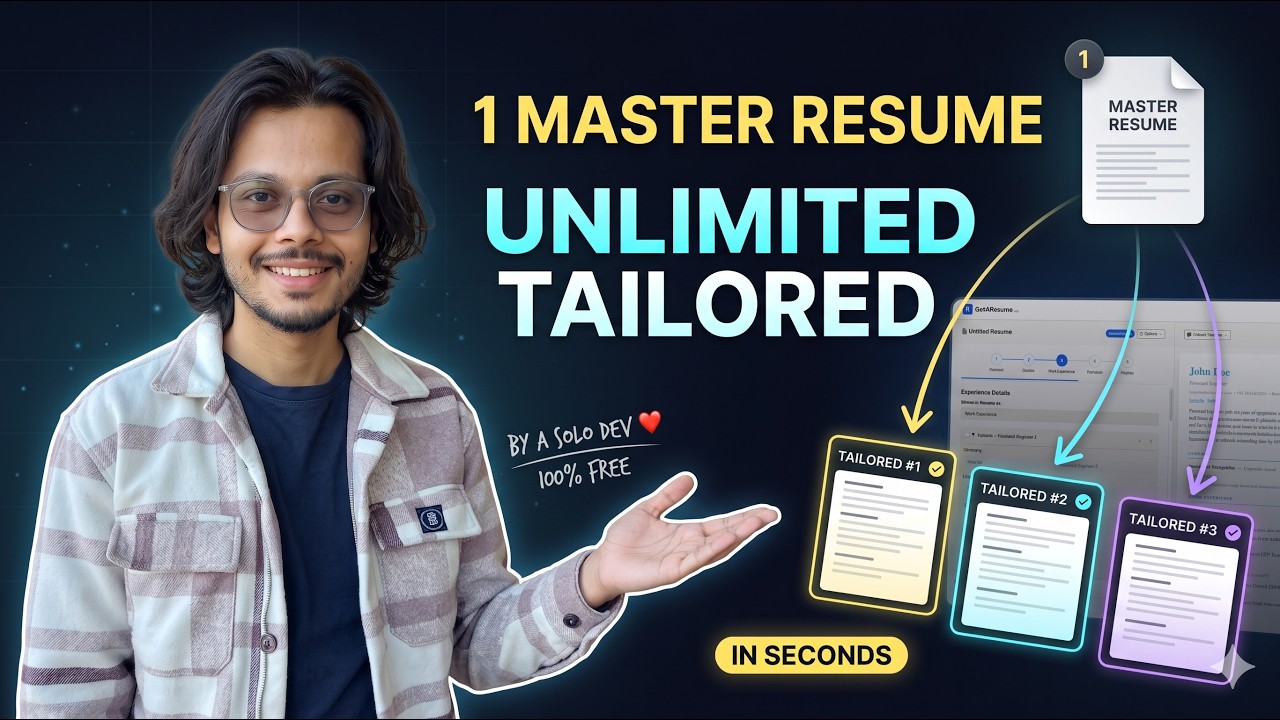
Watch: build a master resume and tailor it
Frequently asked questions
Should I send my master resume to employers?
No. It is your private source document. Send a tailored version that is short and focused on the job.
How long should a master resume be?
As long as it needs to be. Because you never send it, completeness matters more than length.
Do I need a master resume to use GetAResume?
No. You can create a tailored resume by hand for a single application. A master resume saves time once you apply to more than one job.
Can I change my master resume later?
Yes. You can edit it whenever you want, for example after a new job or project.
Can I upload an old resume instead of typing everything?
Yes. Upload a PDF or DOC and the form fills in automatically. Check it before you finish.
Is GetAResume free?
Yes. It is free during the public beta, with no watermark on the PDF. You can build and export without an account; signing in is optional and lets you save to the cloud.