Classic ATS-friendly resume template
Free
Free to use today
Free Online Resume Builder
with a Master Resume
GetAResume lets you write your experience once, then tailor a resume to each job description in minutes. Keep every version in one place and download a clean, one-page, ATS-friendly PDF with no watermark.
Start without an account · No watermarks · Free PDF export
Why GetAResume
Stop Rewriting Your Resume for Every Job
One master resume, tailored in minutes, with every version kept in one place.
Write it once
Add every job, project, skill and achievement to a single master resume. Type it in, or upload a PDF or DOC to fill it in automatically. A free account is needed for this feature to work.
Tailor it to any job
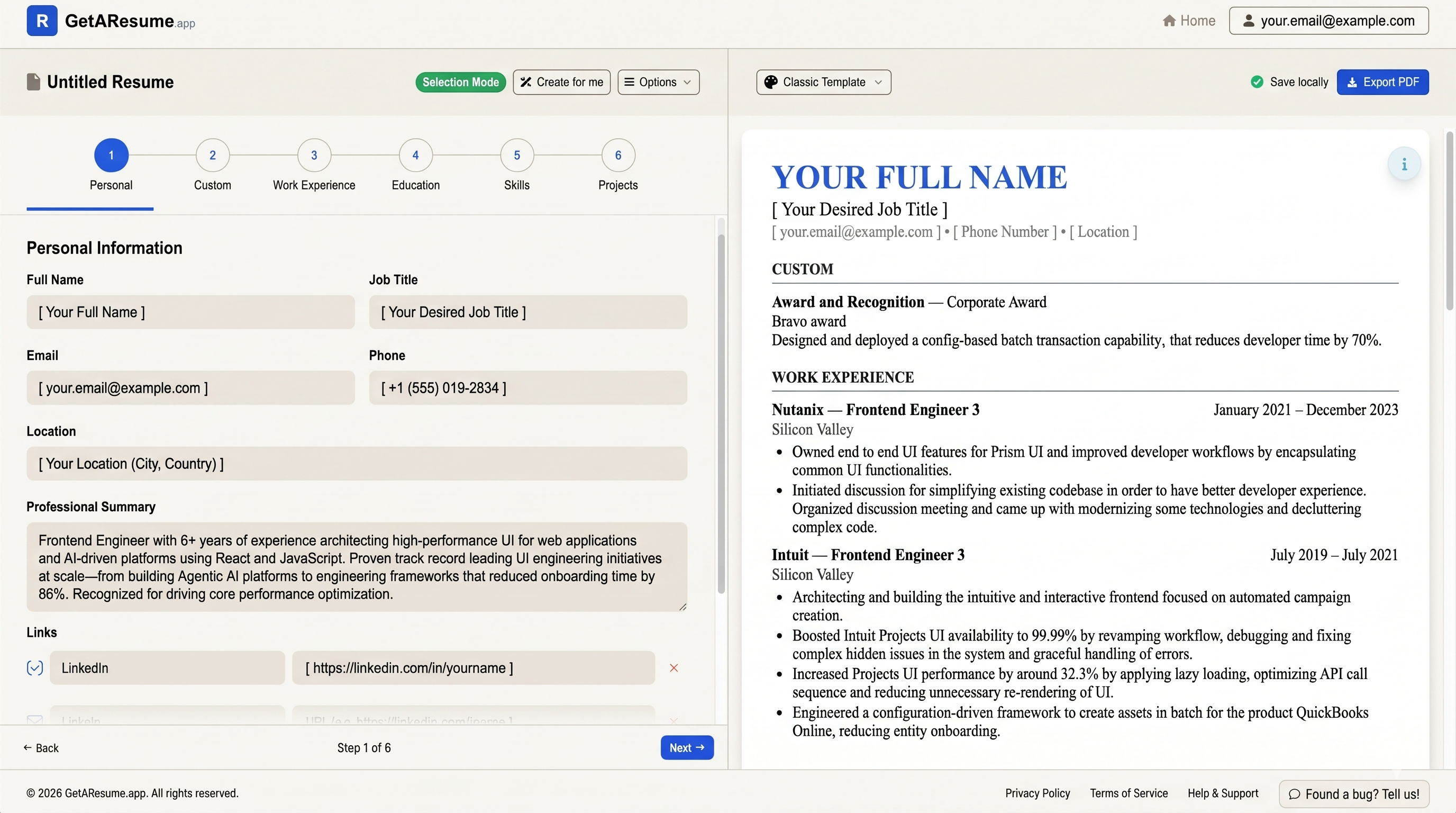
Tick the bullets and sections that fit the role, or paste a job description and use Create for me to get a tailored draft in seconds. It's optional AI, and you review and edit every line.
Manage multiple resumes in one place
With a free account, save as many resumes as you need in the cloud, one for each role or application, and update them whenever you like. No more resume_final_v7.pdf.
Also included
Live preview as you type
Auto-fit to one page
No-watermark PDF
Import from PDF or DOC
Multiple templates
See it in action
Pick What Fits Each Job
A master resume is one complete record of your career: every job, project, skill and achievement. For each application, tick the parts that fit and leave the rest out. Nothing gets retyped.
Start Your Master Resume FreeA free account is needed for this feature to work.
New to this? What is a master resume? →
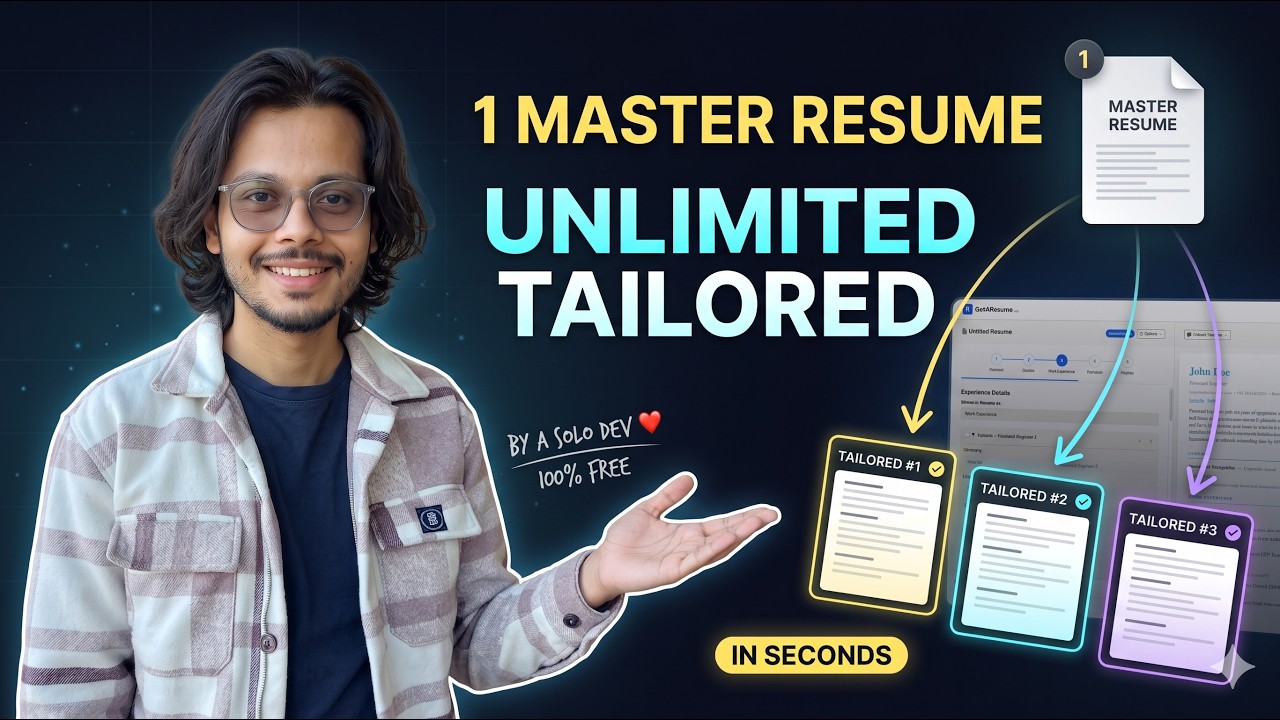
Watch: tailor a resume in under 4 minutes
Build your master resume once, with an optional upload of your existing PDF or DOC to fill it in. Then create a tailored resume from it, tick the bullets and sections that fit the job, and export a clean one-page PDF.
Process
How to Make a Resume Online with GetAResume
Three simple steps. Only need a single resume? Skip the master and build one by hand.
-
1
Create your master resume
Upload your existing PDF or DOC and the form fills itself in, or enter your details step by step. Do this once, and sign in with a free account so it's saved.
-
2
Tailor it for each job
Tick or untick bullets and sections with a live preview, or paste a job description and let Create for me draft a version for you to edit.
-
3
Save and export to PDF
Keep it in your account and download a clean, single-page PDF with no watermark.
Guides
Resume Guides to Help You Get Hired
Short, practical guides on building, tailoring and managing your resumes.
-
What is a master resume?
Learn how one complete record of your career saves hours on every job application.
Read the guide → -
How to tailor your resume for each job
Match your resume to a job description without rewriting it from scratch every time.
Read the guide → -
How to upload your existing resume and edit it online
Import a PDF or DOC, review the auto-filled form and keep editing in one place.
Read the guide →
Templates
Professional, ATS-Friendly Resume Templates
From clean single-column layouts to structured two-column designs. Here are a few, and you'll find more in the editor.
Modern ATS-friendly resume template
Free today
Sidebar resume template
Free today
Executive resume template
Free today
Templates are free today. Some may become paid options later.
FAQ
Frequently Asked Questions
Everything you need to know before you get started.
Is GetAResume really free to use?
Yes. GetAResume is free to use today, including PDF export with no watermark and no credit card required. Some templates may become paid options later.
What is a master resume?
A master resume is a single document where you add every job, skill, project, award and achievement you've ever had. You can type it in or upload a PDF or DOC to fill it in. For each application you then tick the sections and bullet points that fit the job, without retyping anything. You don't have to use one: you can also create a single resume by hand. Saving a master resume needs a free account.
How do I tailor my resume to a job description?
Open your master resume and tick or untick the bullets and sections that fit the job, with a live preview beside you. Or use Create for me: choose a reference resume, paste the job description, and GetAResume drafts a tailored version in seconds. You review and edit the draft before exporting, so check every line.
Can I keep multiple resumes?
Yes. With a free account you can save as many resumes as you need in the cloud, for example one per role or application, and update them whenever you like.
How do I manage multiple versions of my resume?
Save a master resume in your free GetAResume account, then create a tailored resume for each role or application. Every version stays in the cloud, so you can update or reuse it anytime instead of juggling files like resume_final_v7.pdf.
Is there a free resume builder with no watermark?
Yes. GetAResume is free to use today and exports a clean PDF with no watermark and no credit card required. Some templates may become paid options later.
Can I upload my existing resume and edit it online?
Yes. Upload a PDF or DOC and GetAResume uses AI to fill in the form, which you can then review and edit. Uploading is optional, and you can also type everything in by hand.
Does GetAResume use AI?
Only when you choose to use it. AI reads a resume you upload to fill in the form, and Create for me drafts a tailored resume from a reference resume and a job description you paste in. Both are optional, you can build and export a resume entirely by hand, and you review and edit every result. Content you submit to these features is sent to Google's Gemini API. The Privacy Policy explains what is sent and how Google may handle it.
Do I need to create an account to build a resume?
No account is required to build and export a single resume. A free account is needed to save a master resume and multiple resumes in the cloud, so you can access them later.
Are GetAResume templates ATS-friendly?
Yes. All templates are built with clean, standard formatting so applicant tracking systems can parse your text accurately.
A note from the developer
Hi, I'm Saikat, the solo developer building GetAResume. Real feedback decides what comes next. If a template, field or feature is missing, or something confused you, I'd like to hear it.
Build Your Master Resume. Tailor It for Every Job.
Free to use. Start without an account, or sign in free to save your resumes.
Build my resume — it's freeNo credit card · No watermarks · No hidden fees